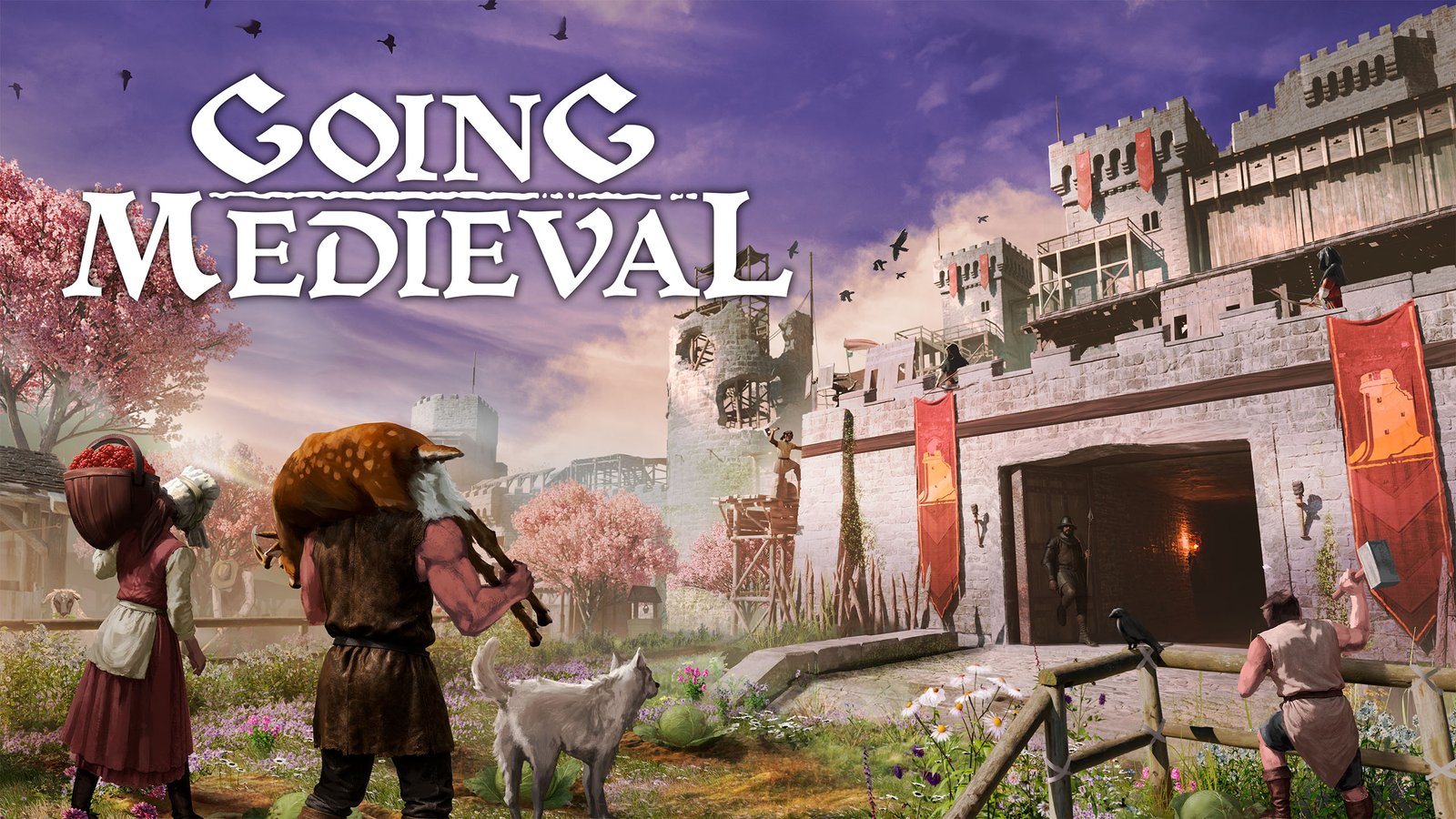
Survive the dark ages in Going Medieval. Build a multi-story fortress, defend your villagers from raids, and thrive in a world ravaged by plague. Tor Games brings you the most stable and pre-installed version of Going Medieval PC Download. Explore, Discover, Conquer as you shape the land and build a new society. This version is highly optimized (under 1GB) and tested for a smooth, error-free gaming experience on any PC.
Key Features:
- Fortress Building: Design 3D multi-level castles and underground bunkers for your colony.
- Villager Needs: Manage the moods, skills, and health of your survivors to ensure success.
- Tactical Defense: Use walls, traps, and archers to defend against ruthless invaders.
- Deep Research: Unlock new technologies to improve farming, crafting, and warfare.
- Fast Download: Highly compressed (917 MB) setup via Tor Games high-speed links.
Going Medieval System Requirements:
| Component | Minimum Requirements | Recommended Requirements |
|---|---|---|
| OS | Windows 7 (64-bit) | Windows 10/11 |
| CPU | AMD FX-8320 / Intel i5-4460 | AMD Ryzen 5 1600 / Intel i7-6700K |
| RAM | 8 GB | 16 GB |
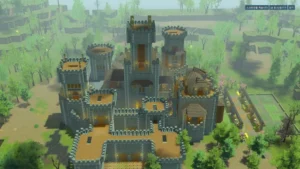
Going Medieval GamePlay ScreenShot:

Going Medieval Installation Guide:
 High Speed Download
Tor Games Edition (Pre-installed & Compressed)
Note: This is a portable version. No installation is required.
 How to Play:
- Download the game zip file from the link above.
- Extract it using WinRAR or 7-Zip.
- Open the extracted folder and find the .exe file.
- Right-click the .exe and select "Run as Administrator".
- Enjoy the game without any complex installation!
Note: If you face any DLL errors, make sure to install DirectX and Visual C++ redistributables.
Looking for more easy-to-install games?
Visit our Full Game Collection to explore all our trending PC titles!